> For the complete documentation index, see [llms.txt](https://docs.algogard.com/llms.txt). Markdown versions of documentation pages are available by appending `.md` to page URLs; this page is available as [Markdown](https://docs.algogard.com/how-to/get-gard/buy-gard.md).
# Buy GARD
If a user wishes to gain the benefits of the GARD token without opening a CDP and borrowing it they may buy GARD natively on the platform...
To acquire GARD without borrowing it, a user may exchange ALGOs for it natively on the protocol. In order to purchase GARD a user must click on and then exchange ALGOs for GARD. Users may also swap their GARD back to ALGO if they'd like to leverage their position via looping. As we are using Pact.fi for our swap backend, to learn more about swapping, visit the following [link](https://docs.pact.fi/pact/how-to/swaps).
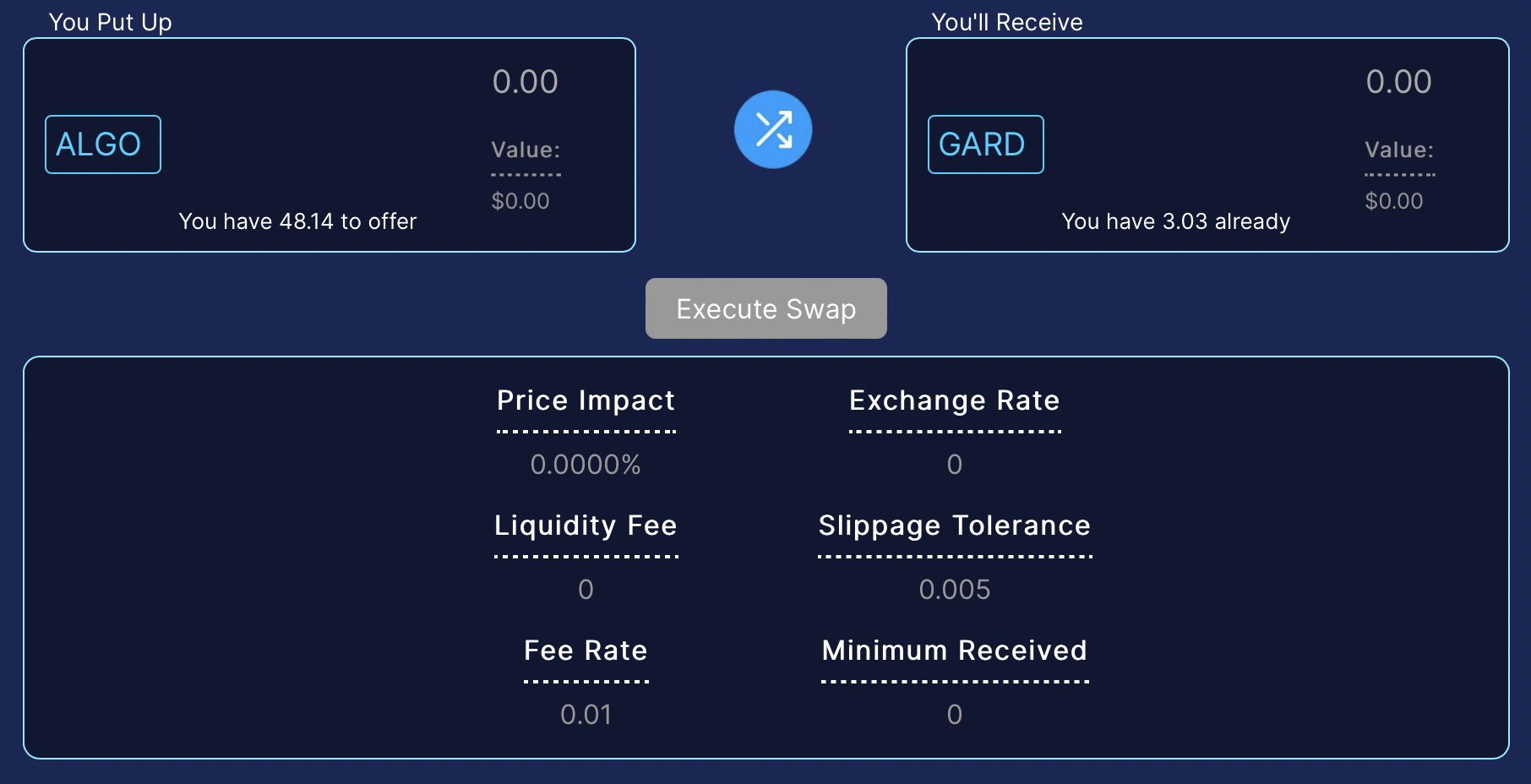
 and then exchange ALGOs for GARD. Users may also swap their GARD back to ALGO if they'd like to leverage their position via looping. As we are using Pact.fi for our swap backend, to learn more about swapping, visit the following [link](https://docs.pact.fi/pact/how-to/swaps).